[code]smith
 Proof
ProofOverview
Blacksmith transparently caches your Bazel build artifacts across jobs in a repository, with zero code changes required. There are no.bazelrc changes to make, no workflow configuration to set up, and no need for a third-party remote cache provider like EngFlow or BuildBuddy.
What Bazel build caching speeds up
Bazel breaks a build into individual actions. When an action’s inputs have not changed, Blacksmith returns its saved outputs instead of making Bazel run it again. This can skip expensive work such as:- Compiling source files
- Running cacheable tests
- Generating code
- Linking and packaging binaries
Enable Bazel build caching
An organization admin can enable Bazel build caching from Settings > Caching in the Blacksmith dashboard. Find Bazel and Buck2 build cache under Build systems. The same toggle enables the remote cache for Buck2 projects.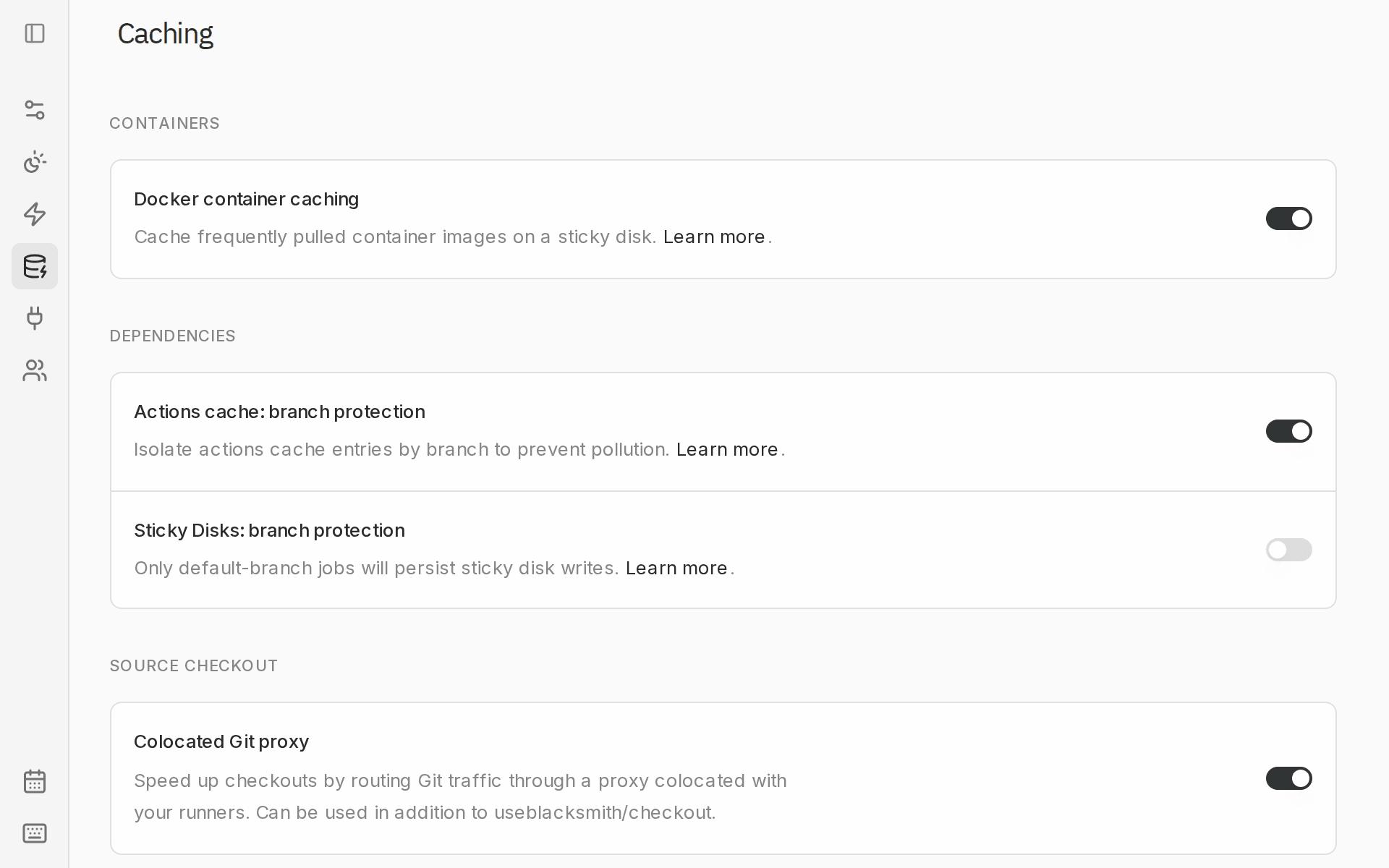
Existing remote cache setups
You don’t need to change your workflow or.bazelrc, since Blacksmith configures Bazel before the job starts. The exception is an explicit remote cache: if your .bazelrc or workflow sets its own --remote_cache (for example, a remote caching solution like EngFlow or BuildBuddy), that configuration takes precedence, so remove its --remote_cache settings and credentials for Blacksmith’s cache to take effect. Blacksmith replaces remote caching, not remote execution, so if you also rely on a provider for remote execution, contact us through the Blacksmith support portal first.
Caching across branches
Each repository has its own Bazel cache. Unlike the Actions cache, Bazel cache entries do not use branch-protection boundaries. Matching build artifacts are shared across branches and pull requests within that repository, so a build onmain can warm the cache for a later pull request.
Bazel only reuses an artifact when its action key matches. Caches are also separated by CPU architecture.
Storage limits and deletion
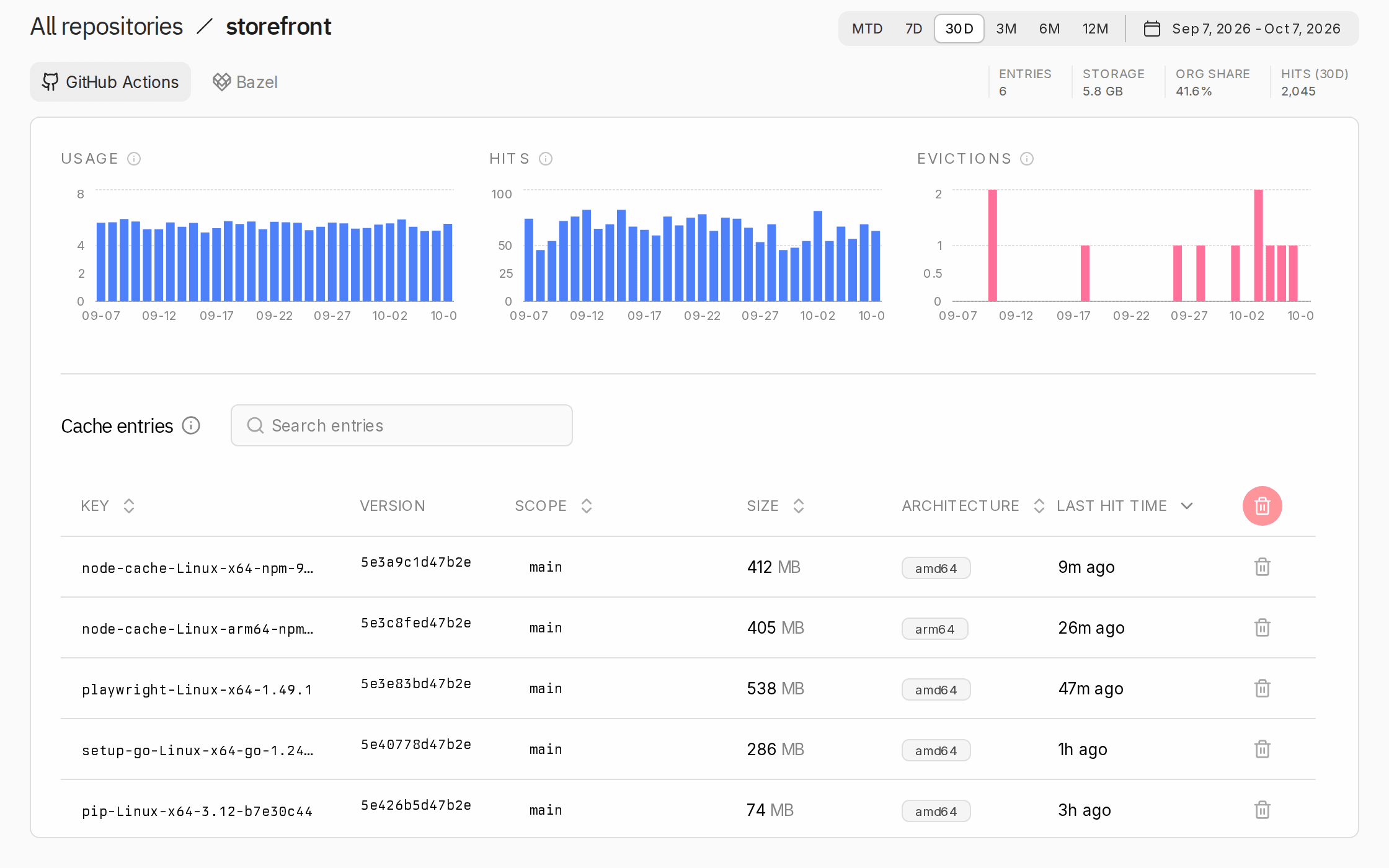
Each repository cache has a storage cap, shown alongside current usage on the Cache page. When a cache grows past its cap, Blacksmith evicts the least recently used action results and their artifacts. If your working set regularly exceeds the cap, builds will see more cache misses. You can clear a repository’s cache from the Cache page at any time, and the next Bazel job starts fresh. Disabling Bazel build caching deletes the existing cache.Measure the impact
Open the Cache page, choose a repository, then open the Bazel tab to see cache hit rate, data transferred to and from the cache, build duration, and recent jobs using the cache.