Overview
Blacksmith natively and transparently caches your Turborepo outputs. The cache stores the files each task produces, and a later job restores them when the inputs match. Those tasks do not run again, so the build finishes sooner. No workflow change is required.
How it works
A task’s hash covers the files it reads, the environment variables Turborepo includes, and its configuration in turbo.json. Blacksmith stores the outputs under that hash. A job that produces the same hash restores the outputs instead of running the task, including a job on another branch.
Each repository has its own cache, shared across branches and pull requests, so merging to main warms the cache for every branch that follows. Caches are separated by CPU architecture and never shared across repositories or organizations.
Fork pull requests can read the cache. They cannot write to it.
Enable Turborepo build caching
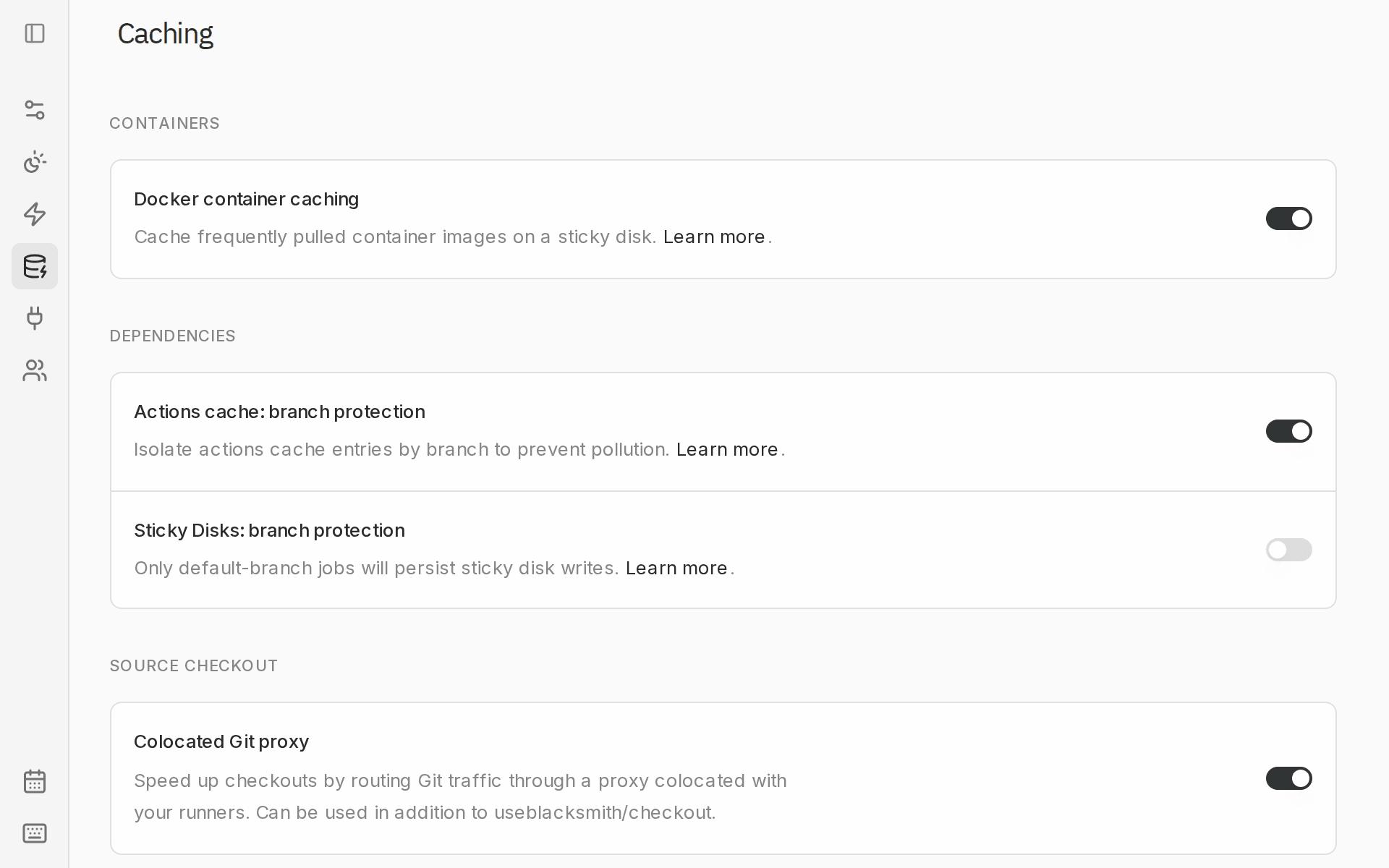
An organization admin can turn it on or off from Settings > Caching in the Blacksmith dashboard, under Build systems. The switch is Turborepo build cache.
Existing remote caches
If a job already sets TURBO_API, TURBO_TOKEN, or TURBO_TEAM, Blacksmith leaves that configuration in place. Remove those variables to use this cache instead. --no-cache and --remote-only still follow the Turborepo CLI.
Task outputs
A hit restores only the files named in outputs for that task. If the task writes other files, Turborepo replays the log and skips those files. A later step can then fail looking for a generated client. Every file the task creates belongs in outputs.
.next/cache/**. It changes on every build, and the upload is large for a hash that will not match the next run. Turborepo’s guide to specifying outputs covers the full rules.
Limitations
The cache runs on the runner. A job that uses container: cannot reach it, and neither can turbo inside docker build. The log says Remote caching disabled, and the tasks run.
Tasks that depend on external state should stay uncached. A test that reads a database, or anything that depends on the clock, is replayed when the inputs Turborepo can see are unchanged. Set "cache": false on those tasks.
Logs and the Cache page
The job log should contain Remote caching enabled. Tasks that matched print cache hit, replaying logs. A run where every task hit prints FULL TURBO. For the full picture, open the Cache page, choose a repository, and open the Turborepo tab.
Hit rate there counts what your runs actually experienced. The first builds populate the cache, so compare hit rate and step durations across later runs.
Blacksmith evicts entries that are no longer read. The same page shows what the repository is storing. Turning Turborepo build cache off deletes the organization’s Turborepo cache.
 [code]smith
 Proof
Proof