
 [code]smith
 Proof
Overview
Blacksmith acts as the remote cache for Nx. When a task runs, Nx archives the files it declares asoutputs and Blacksmith stores the archive under the task’s hash. A later job with the same hash restores the archive instead of rerunning the task. Nx caching is off by default. Unlike the other build caches, correctness depends on configuration in your repository that Nx does not verify, so read Before you enable before turning it on.
Enable Nx build caching
Nx build caching is off by default. An organization admin can turn it on or off from Settings > Caching in the Blacksmith dashboard, under Build systems. The switch is Nx build cache. The change applies to the next job. Turning it off deletes the organization’s Nx cache.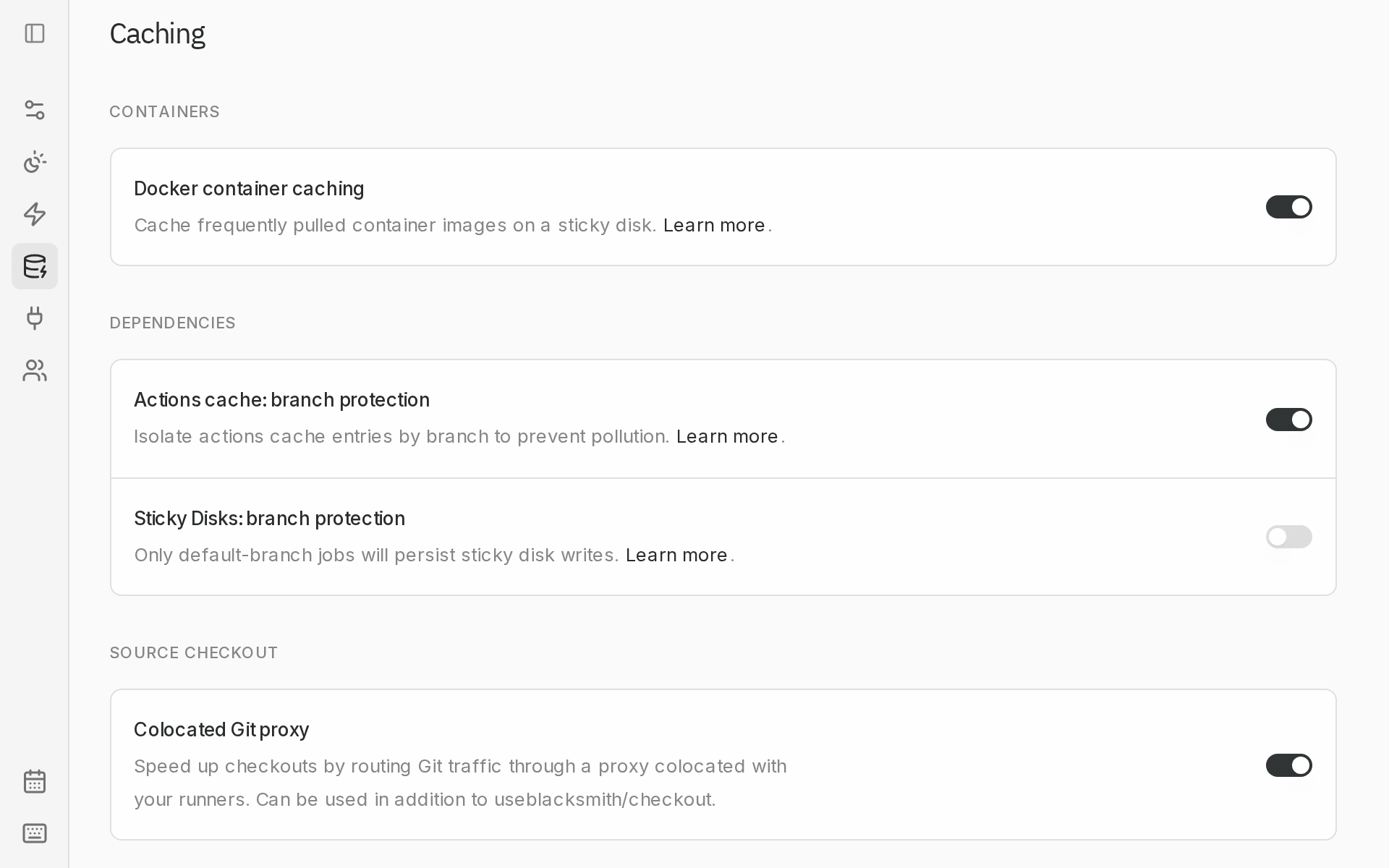
NX_SELF_HOSTED_REMOTE_CACHE_SERVER, Blacksmith leaves that configuration in place. Remove that setup to use this cache. Jobs and steps that run in a container: use the cache too, unless the container configures Nx Cloud or NX_SELF_HOSTED_REMOTE_CACHE_SERVER itself.
Restored tasks show [remote cache] in the Nx run summary. The Cache page shows hit rate and storage for each repository on its Nx tab.
Branch protection
Build cache branch protection is available in Settings > Caching, under Dependencies. When enabled, only jobs running on the default branch (push, schedule, workflow_dispatch) or in a merge queue can write to the cache. Every other job gets read-only access. The setting is off by default and applies to every build cache at once.
Fork pull requests get no Nx remote cache at all, regardless of this switch.
Before you enable
Nx restores exactly what a target declares and never checks the declaration. Complete both steps for every target withcache: true before you turn the switch on, then verify cache behavior.
1. Declare what each target reads and writes
2. Check the declarations
Verify cache behavior
Turn on Nx build cache, run this workflow from your default branch, and fix declarations untildiff passes. Then change a file a code-generation target reads and run it again: that task must run, not restore.
diff:
- File only in
populate.sha256: the task writes it butoutputsdoes not list it. - Same file, different hash:
inputsis missing something the output depends on, or the generator is not deterministic (timestamps, random identifiers). Exclude those files fromHASHor fix the generator.
Troubleshooting
Missing files (ENOENT, Module not found) or outdated generated types after a [remote cache] line can indicate incomplete cache configuration. Temporarily turn off Nx build cache while you investigate. Check the affected task’s inputs, outputs, and dependsOn, then verify the corrected configuration before enabling caching again. A changed configuration changes the task hash, so the old entry is not read.
Nx’s guides to configuring inputs and configuring outputs cover the full rules.